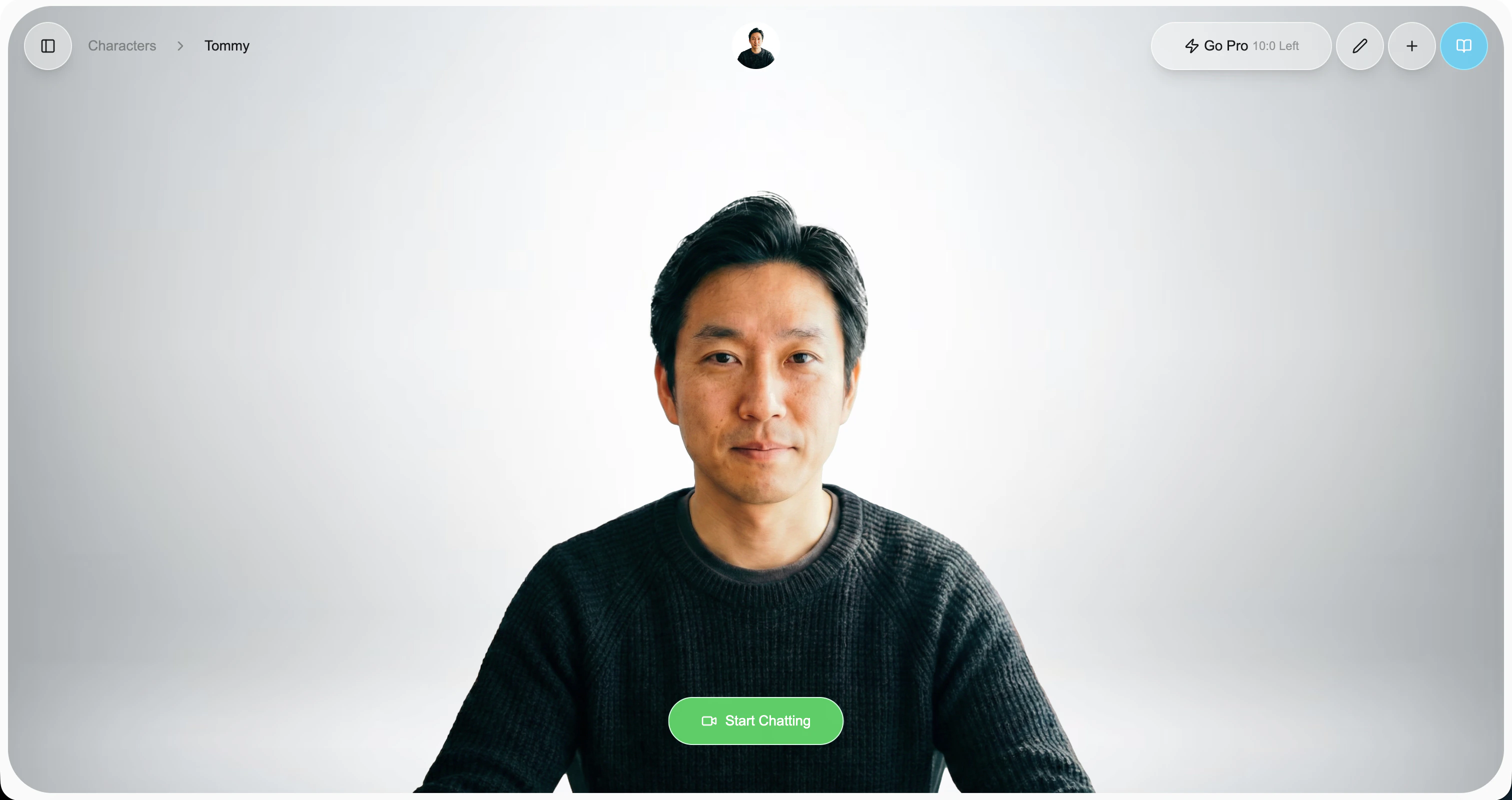
Start a conversation
Open any character from your dashboard and click Start Chatting to launch a live conversation.
No setup required—every character ships ready to talk.
During the conversation
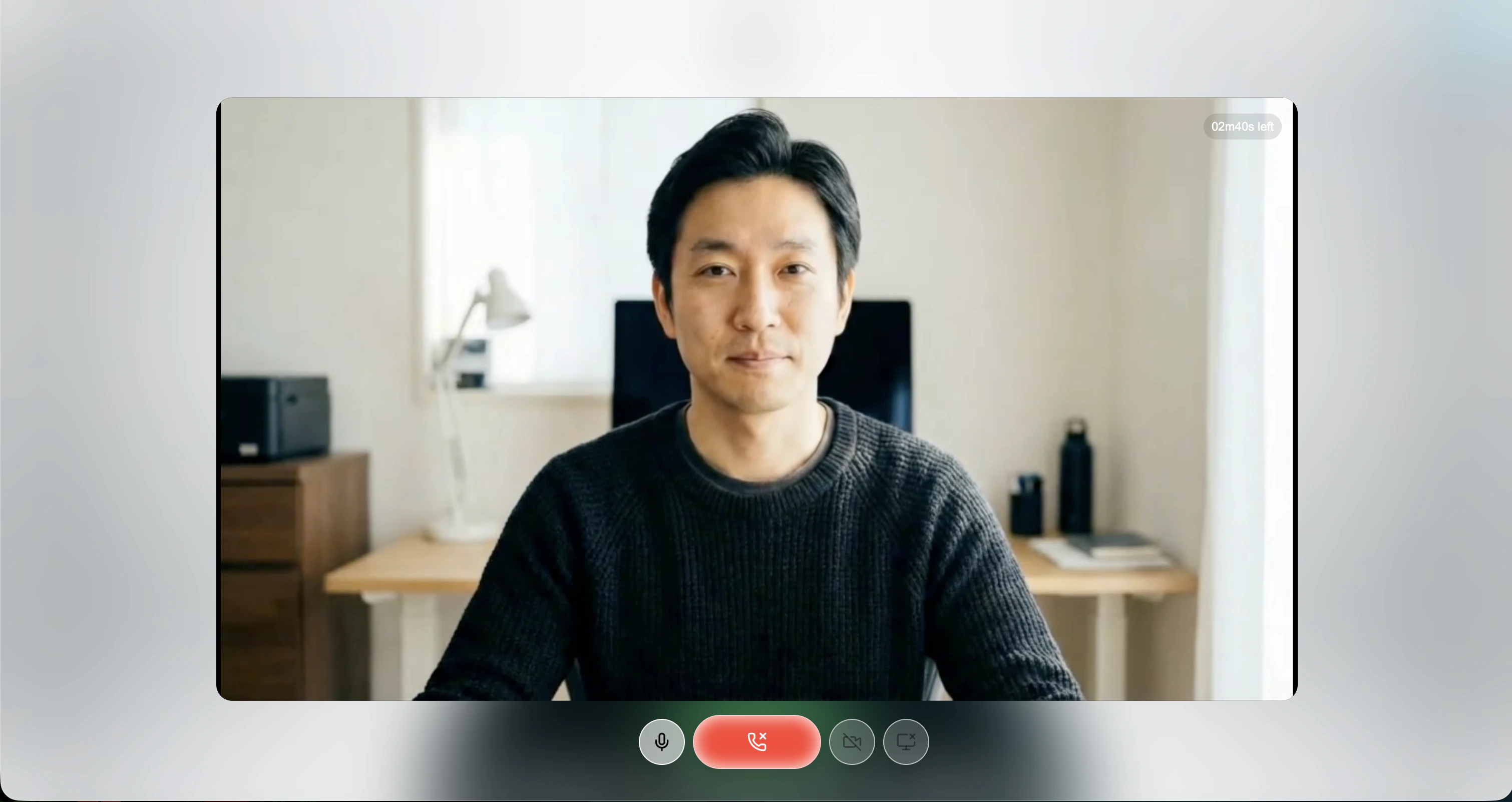
Once the character joins the room, just start speaking. They’ll listen, think, and respond in real time.
From the in-call controls you can:
- 🎙️ Mute your mic to pause the conversation without hanging up
- 📷 Turn on your camera and ask the character about what it sees
- 🖥️ Share your screen to get help with what’s in front of you
Try sharing your screen or turning on your camera, then ask “what am I looking at?”—your character can see and react in real time.
Usage limits
You can set up a payment method at any time on the Billing page.
- Freemium users → Limited to 3-minute conversations and 1 conversation at a time
- Pro users → Up to 2 hours per conversation and 100 concurrent conversations
🚀 You’re ready to chat!
With just one click, you can bring your character to life—try it out now!