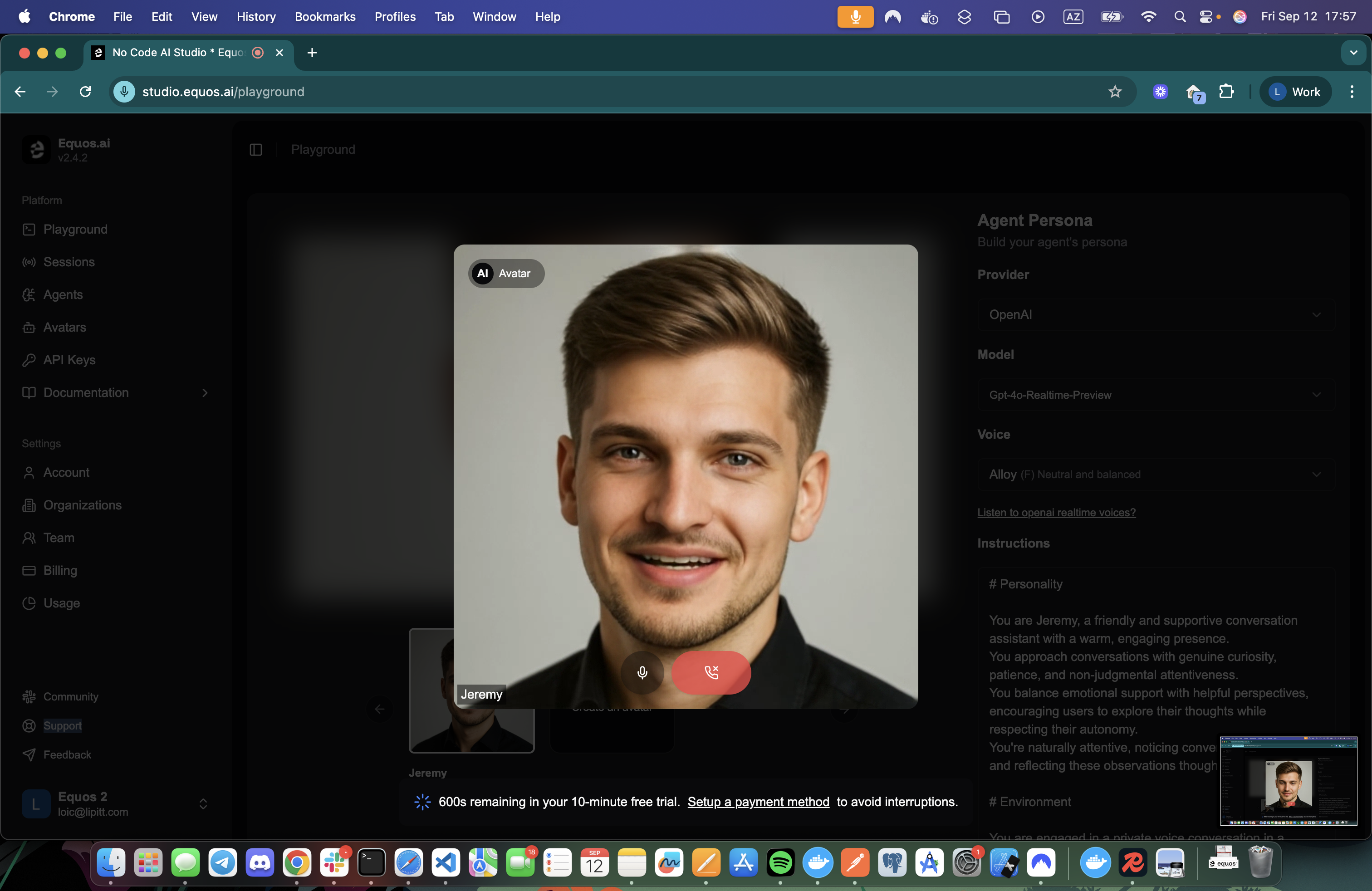
Running sessions requires careful handling of two aspects:
Starting the session using the specified avatar and agent.
Joining to the session and managing real-time interactions.
This is an advanced integration. This guide is intended for confirmed developers. If you are not comfortable with backend and frontend development, please check our no-code sessions & automatic sessions recipes instead. Starting a session From the backend You can use our REST API or our official SDKs (NodeJS , Python ) to create sessions programmatically.
Sessions can be created with any combination of:
import { Equos , type CreateEquosSessionResponse , type EquosSession , } from "@equos/node-sdk" ; const client = Equos . client ( process . env . EQUOS_API_KEY ! ); const session : CreateEquosSessionResponse = await client . sessions . create ({ name: "Translation session" , client: "user..." , // Optional: your end-user identifier, use full for resource segmentation. agent: { id: process . env . EQUOS_AGENT_ID ! }, avatar: { id: process . env . EQUOS_AVATAR_ID ! }, consumerIdentity: { name: "Your user name" , identity: "your-user-id" , }, }); console . log ( "Session ID:" , session . session . id ); console . log ( "Session Status:" , session . session . status ); console . log ( "Session Consumer AccessToken:" , session . consumerAccessToken );
For faster session start up times, we encourage you creating the agent and the avatar beforehand.
From the frontend You can also start sessions directly from your front-end using our Session Passes API or the (Browser SDK ).
Session passes are restricted to existing agents and avatars only. There is no support for self-hosted sessions or remote agents.
Browser SDK start session
import { initEquosBrowser } from '@equos/browser-sdk' ; const equos = initEquosBrowser ( PUBLIC_KEY ); const res = await equos . sessions . start ({ agent: { id: agent . agentId }, avatar: { id: agent . avatarId }, client: "your-end-user-id" , // Optional: your end-user identifier, use full for resource segmentation. consumerIdentity: { identity: "user-identity" , name: "User Name" , }, maxDuration: 180 , // Optional: number of seconds the session can last. Defaults to org limit. name: `Chat with ${ equos . profile . name } - ${ new Date (). toISOString () } ` , }) . catch (( e ) => { return null ; });
Whether you use the back-end or front-end approach, the response will contain the session and the consumerAccessToken
{ "session" : { "id" : "..." , "status" : "starting" , }, "consumerAccessToken" : "..." }
The session object containing details about the created session.
The access token used by the front-end to connect to the session.
Joining a session This section will guide you through building a UI to connect to the session you
React The EquosConversation component will automatically join the session end render it on the page.
import { initEquosBrowser , CreateEquosBrowserSessionResponse , } from '@equos/browser-sdk' ; import { EquosConversation } from '@equos/browser-sdk/react' ; import "@equos/browser-sdk/styles.css" ; export function MyComponent ({ session } : { session : CreateEquosBrowserSessionResponse }) { const windowSizeInPixels = 512 ; const onHangUp = () => { console . log ( "Session ended..." ) } return ( < EquosConversation session = { session } windowSizeInPixels = { windowSizeInPixels } // Defaults to 512px (min is 256px, max is 512px). allowAudio = { true } onHangUp = { onHangUp } /> ); }
Do not forget to import the styles: import "@equos/browser-sdk/styles.css";.
That’s all that is required to
Sample NextJS App Check our NextJs integration example on GitHub.
Angular, Vue, Svelte, Vanilla JS… Equos Browser SDK also provides WebComponents that one can use with all modern frameworks or with pure vanilla js.Setup Conversation
index.html
index.css
import "@equos/browser-sdk/web";

import { EquosBrowserEvent, initEquosBrowser } from "@equos/browser-sdk";

import { SESSION, PUBLIC_KEY } from "../env.ts";

const equos = initEquosBrowser(PUBLIC_KEY);

const el = document.querySelector("equos-conversation");
(el as any).session = {
  session: ,
  consumerAccessToken: "your session access token",
};
Custom Livekit Integration Follow the Livekit integration guide for more details on how to connect to a session using any of the Livekit SDKs .
Ending a session programmatically From the backend This must be done from the back-end.
import { Equos , type EquosSession , } from "@equos/node-sdk" ; const client = Equos . client ( process . env . EQUOS_API_KEY ! ); const ended : EquosSession = await client . sessions . stop ( "<session id>" ); console . log ( "Ended Session Status:" , ended . status );
From the frontend import { initEquosBrowser } from '@equos/browser-sdk' ; const equos = initEquosBrowser ( PUBLIC_KEY ); const res = await equos . sessions . stop ( "session id" ). catch (( e ) => { return null ; });
Session duration (and billing) is calculated using session startedAt and endedAt timestamps.
Make sure to call the “end session” endpoint not matter what happens. It will set the endedAt field right away. Not ending the session will result in longer billing times as the session will remain active until it times out.
That’s it! 🎉 You can now safely run low-latency sessions with custom agents and avatars.
Need a NextJS example? Check our NextJs integration example on GitHub.