> ## Documentation Index
> Fetch the complete documentation index at: https://docs.equos.ai/llms.txt
> Use this file to discover all available pages before exploring further.
# Create a Knowledge Base
> Give your characters access to your own content so they can answer questions grounded in it.
## What is a knowledge base?
A **knowledge base** is a collection of documents and text that your character can search during a conversation—this is called **RAG** (Retrieval-Augmented Generation).
When a user asks a question, the character looks up the most relevant passages in its knowledge base and uses them to craft a grounded, accurate answer instead of relying solely on what the underlying model "knows."
Typical use cases:
* Product documentation and FAQs
* Internal playbooks and SOPs
* Course material or training content
* Company-specific context (policies, pricing, glossaries)
Knowledge bases are a great way to keep your character's answers **accurate**, **up to date**, and **on-topic**—without retraining a model.
***
## Prerequisites
Knowledge bases are a **premium feature**. You'll need to set up billing before you can create one.
Head to the [Billing page](https://studio.equos.ai/billing) and add a payment method first.
***
## Create a knowledge base
Go to [studio.equos.ai/knowledge-bases](https://studio.equos.ai/knowledge-bases).
Click the **+** button, give it a name and a short description, then submit.
Open the knowledge base and add:
* 📄 **Documents** — upload files (PDF, Markdown, text, etc.)
* ✍️ **Text** — paste content directly for quick notes, snippets, or instructions
Each item is automatically chunked, embedded, and indexed so your character can search it.
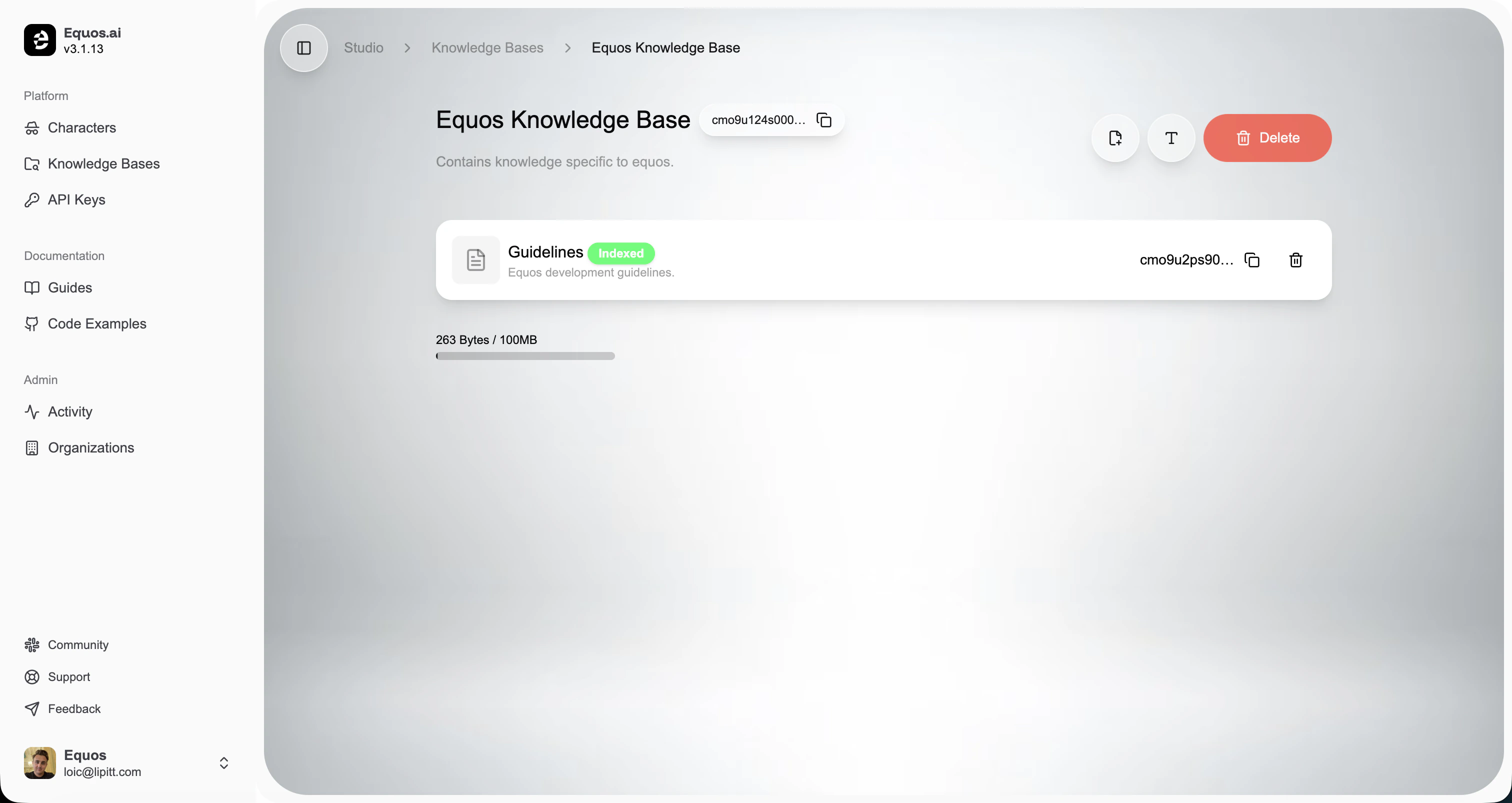 Each knowledge base can hold up to **100 MB** of content. The usage bar on the page shows how much space you've used.
***
## Use it with a character
Once your knowledge base is ready, attach it to any character from the **Knowledge** section of the character editor. From then on, the character will automatically search it during conversations.
Head back to your character and plug in your new knowledge base.
Each knowledge base can hold up to **100 MB** of content. The usage bar on the page shows how much space you've used.
***
## Use it with a character
Once your knowledge base is ready, attach it to any character from the **Knowledge** section of the character editor. From then on, the character will automatically search it during conversations.
Head back to your character and plug in your new knowledge base.