> ## Documentation Index
> Fetch the complete documentation index at: https://docs.equos.ai/llms.txt
> Use this file to discover all available pages before exploring further.
# Create API Keys
> API keys authenticate your requests to the Equos API. Learn how to create, manage, and secure them.
API keys are **developer credentials**. If you're not a developer, you probably don't need to create one.
This guide explains how to create and manage API keys in the Equos Studio.
Follow the setup guide to create your Equos account and organization.
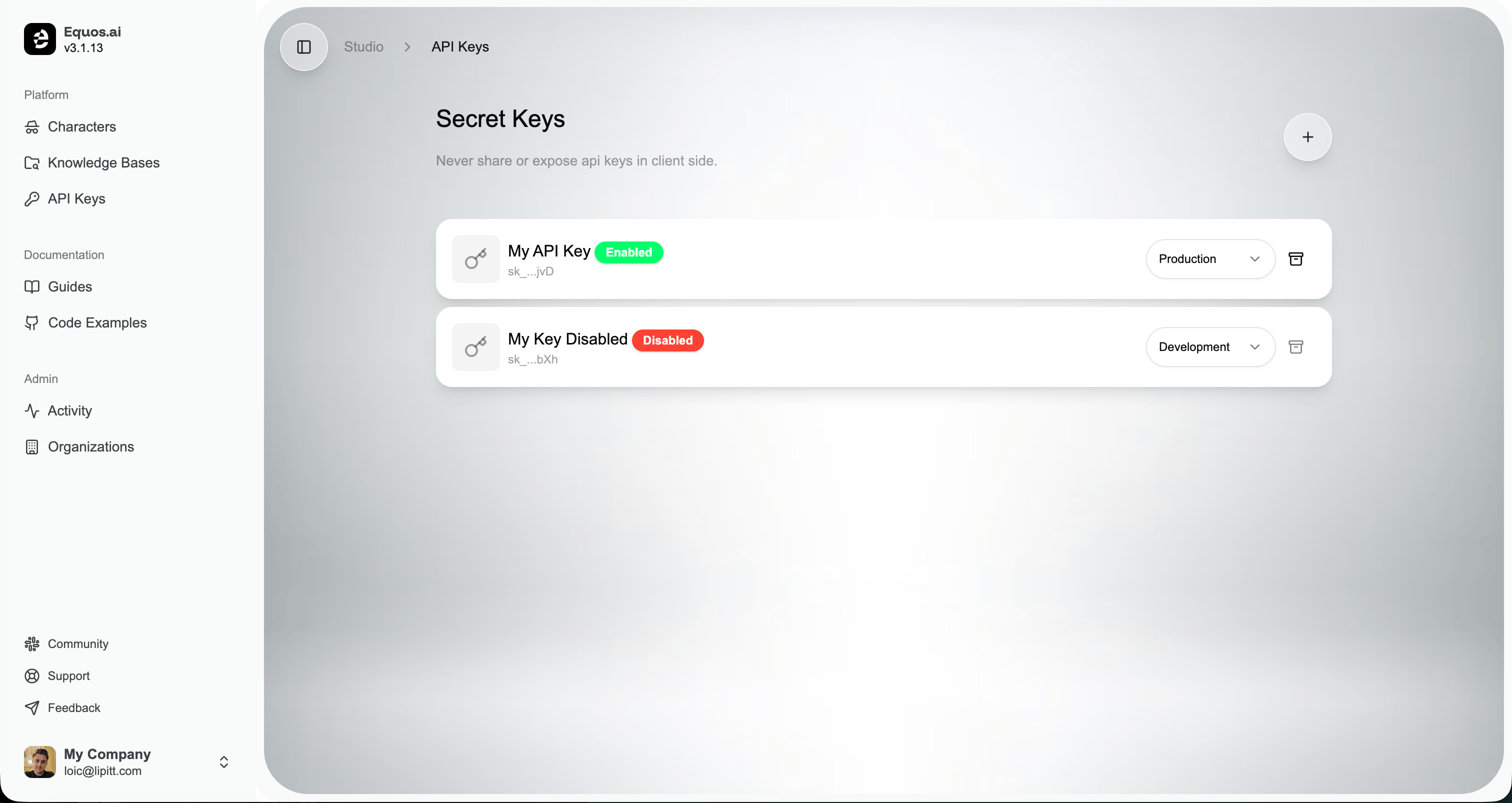 Go to [studio.equos.ai/api-keys](https://studio.equos.ai/api-keys).
Click the **+** button in the top-right corner, fill in the form, and submit.
Copy the generated key and store it somewhere safe. You won't be able to view it again.
***
## Important
**Never expose your API key in the browser or any client-side code.** Keys grant full access to your organization and must only be used from a secure backend.
**The key is only shown once.** Equos stores a hash of the key, not the key itself—if you lose it, you'll need to create a new one.
If a key is ever compromised, disable it immediately from the API Keys page and create a new one.
***
### Next Steps
Build faster with our official Node.js SDK.
Explore all endpoints in the API reference.
Go to [studio.equos.ai/api-keys](https://studio.equos.ai/api-keys).
Click the **+** button in the top-right corner, fill in the form, and submit.
Copy the generated key and store it somewhere safe. You won't be able to view it again.
***
## Important
**Never expose your API key in the browser or any client-side code.** Keys grant full access to your organization and must only be used from a secure backend.
**The key is only shown once.** Equos stores a hash of the key, not the key itself—if you lose it, you'll need to create a new one.
If a key is ever compromised, disable it immediately from the API Keys page and create a new one.
***
### Next Steps
Build faster with our official Node.js SDK.
Explore all endpoints in the API reference.