> ## Documentation Index
> Fetch the complete documentation index at: https://docs.equos.ai/llms.txt
> Use this file to discover all available pages before exploring further.
# Set up your organization
> Get your Equos account up and running in just a few steps.
## Create your account
Go to [studio.equos.ai](https://studio.equos.ai) and log in using one of the following options:
* **Magic Link** (email login)
* **Google**
* **GitHub**
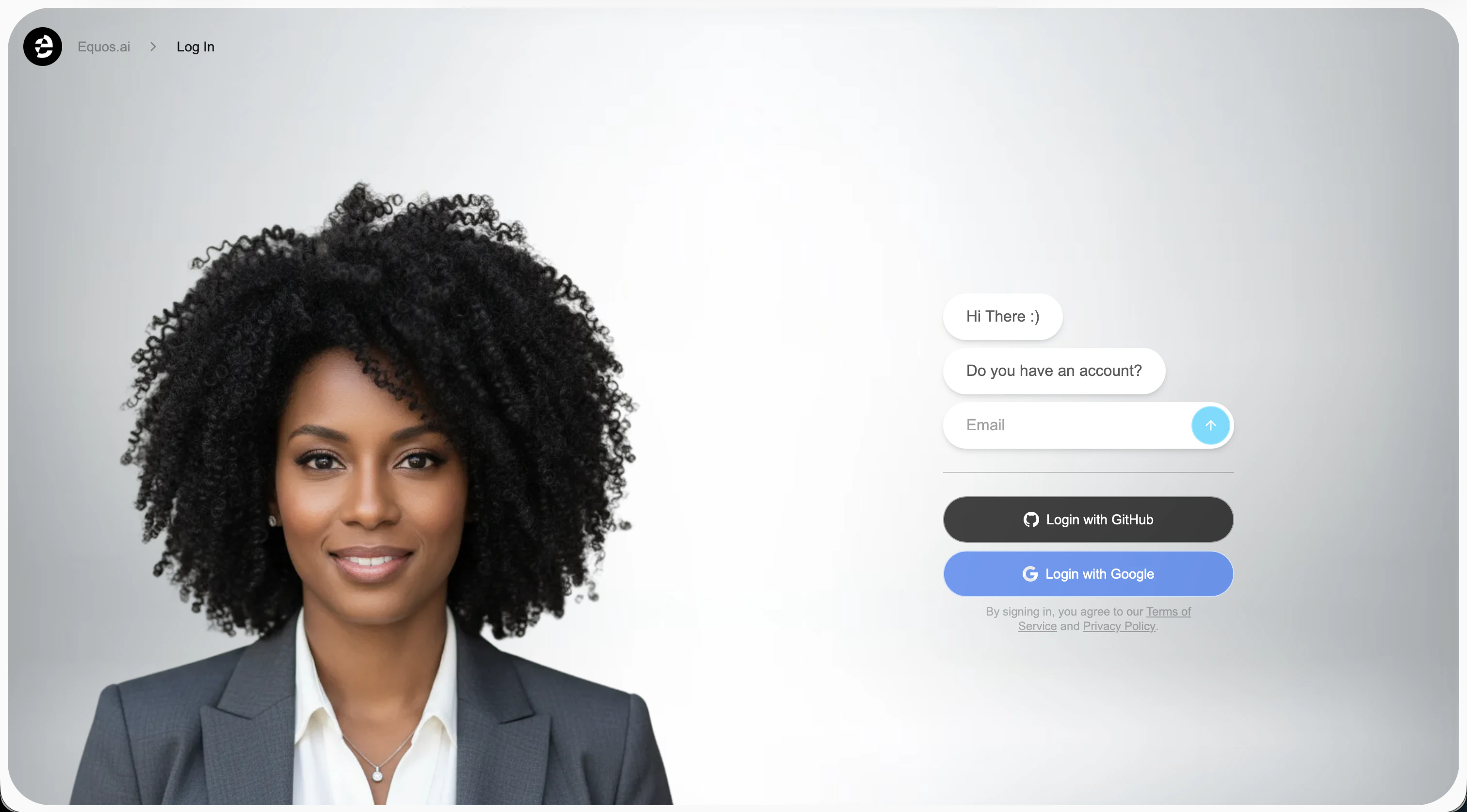 If you choose **Magic Link**, an email will be sent to your inbox.\
Click the link in that email to log in. If you don’t see it right away, check your spam or promotions folder.
Having trouble signing in? Reach out to our [support team](https://docs.google.com/forms/d/e/1FAIpQLSdoK7LvORdQf7KOQKvhhlESStJcKc3bDB9HPsEet6LuOmVUfQ/viewform).
***
## Onboarding
Once logged in, you'll be redirected to the [onboarding flow](https://studio.equos.ai/getting-started), which walks you through creating your first **character** by picking a **face** and a **voice**.
If you choose **Magic Link**, an email will be sent to your inbox.\
Click the link in that email to log in. If you don’t see it right away, check your spam or promotions folder.
Having trouble signing in? Reach out to our [support team](https://docs.google.com/forms/d/e/1FAIpQLSdoK7LvORdQf7KOQKvhhlESStJcKc3bDB9HPsEet6LuOmVUfQ/viewform).
***
## Onboarding
Once logged in, you'll be redirected to the [onboarding flow](https://studio.equos.ai/getting-started), which walks you through creating your first **character** by picking a **face** and a **voice**.
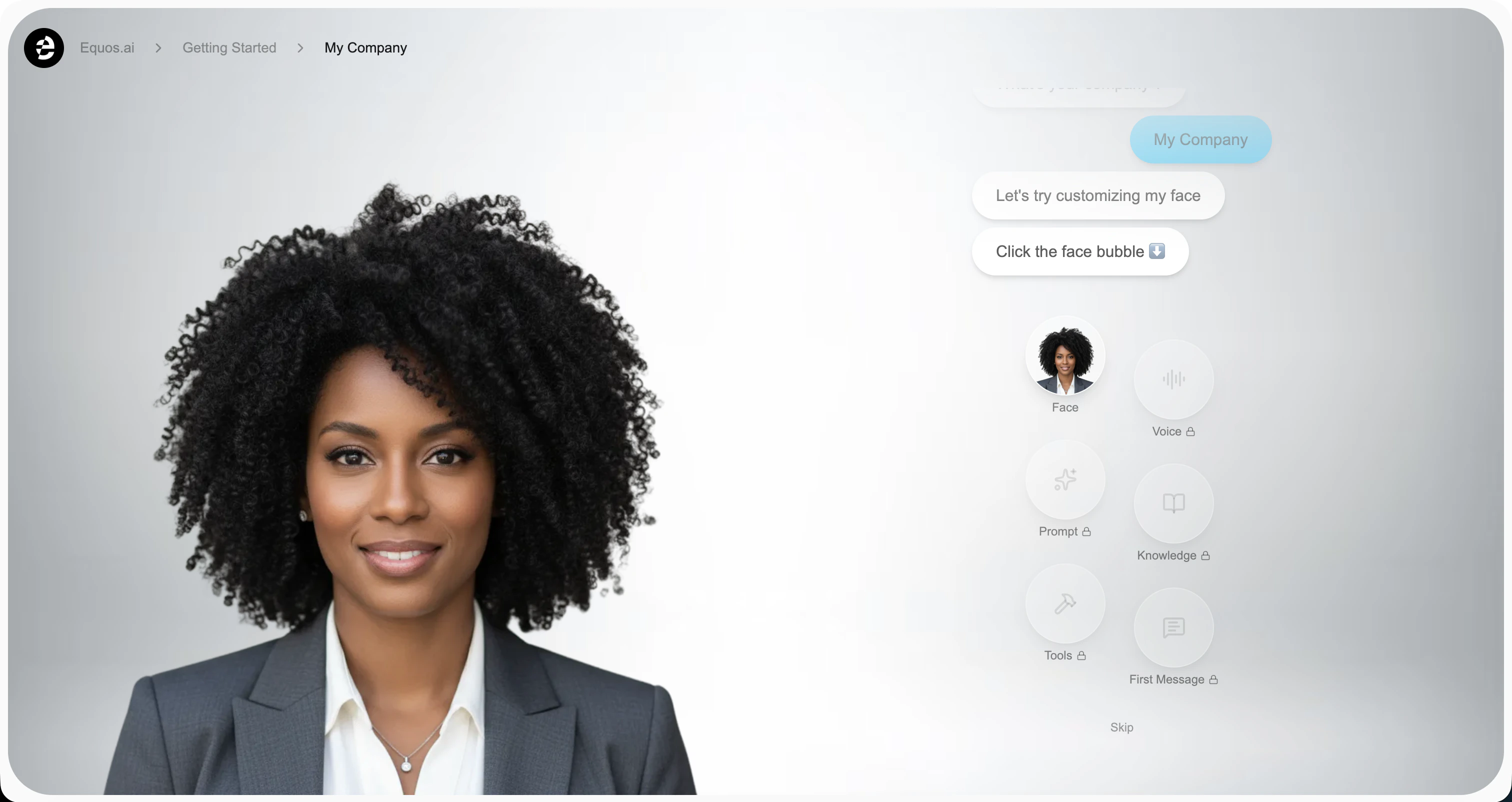 The onboarding is optional—you can skip it and create your character later from the dashboard.
***
## Billing setup
To avoid any service interruptions once you reach the free tier limit, head over to the [Billing Page](https://studio.equos.ai/billing) and add a payment method.
***
## 🎉 You’re all set!
Congratulations — your organization is now ready to use Equos!
The onboarding is optional—you can skip it and create your character later from the dashboard.
***
## Billing setup
To avoid any service interruptions once you reach the free tier limit, head over to the [Billing Page](https://studio.equos.ai/billing) and add a payment method.
***
## 🎉 You’re all set!
Congratulations — your organization is now ready to use Equos!